



How to Prepare Artwork for Laser Engraving on Jewellery
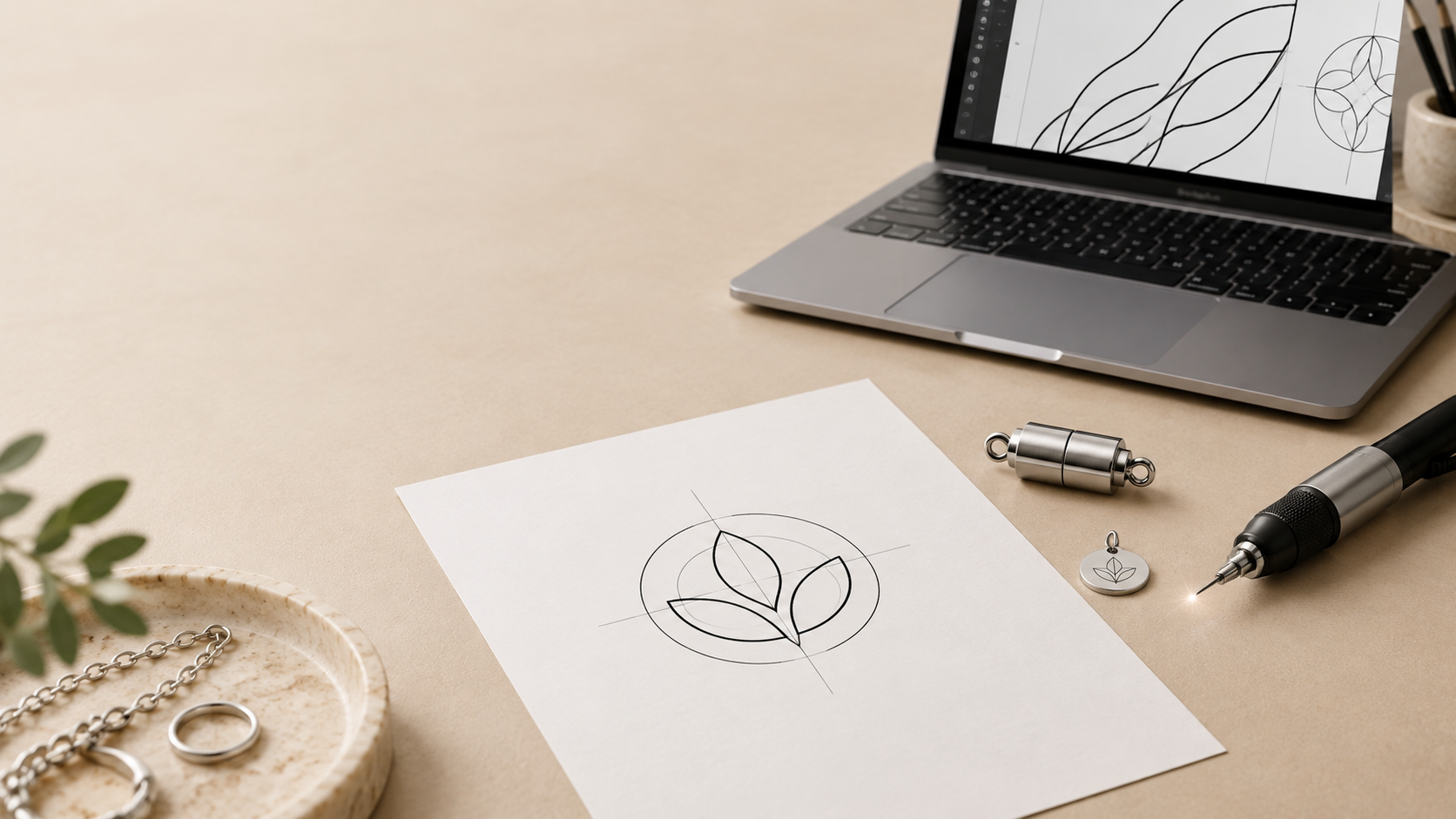
Laser engraving is a simple way to add a logo, initials, symbol or short message to jewellery components. It can help jewellery brands create a more recognisable collection without developing an entirely new clasp, charm or pendant.
To achieve a clean result, the artwork needs to be clear, simple and suitable for the size of the component.
What Can Be Laser Engraved?
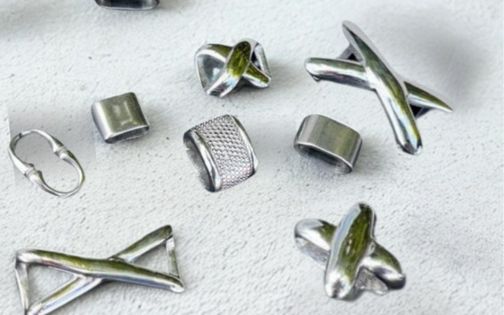
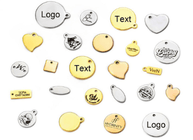
Laser engraving can be used on suitable metal jewellery components, including:
-
Stainless-steel logo tags.
-
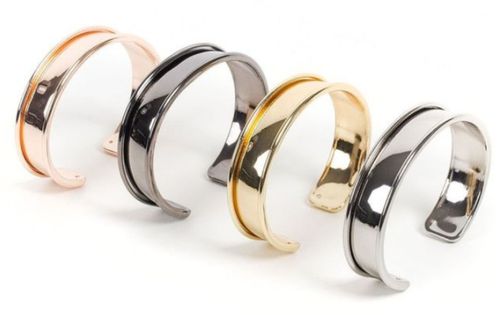
Metal plates.
-
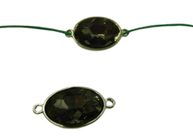
Connectors.
Popular engraving ideas include:
-
Brand logos.
-
Initials.
-
Names.
-
Zodiac symbols.
-
Short messages.
-
Minimal icons.
-
Product codes.
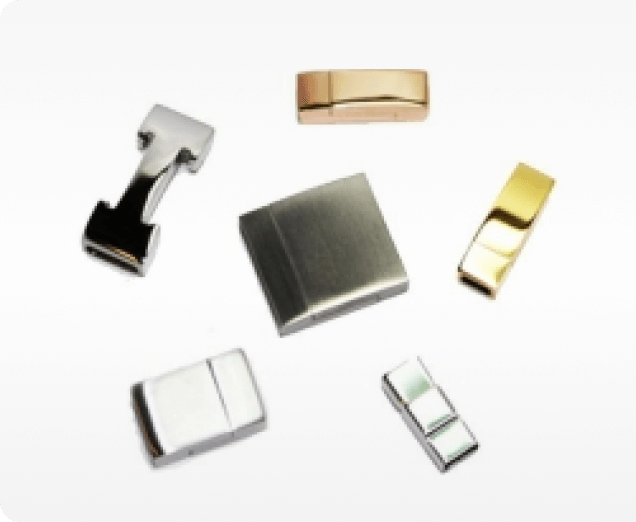
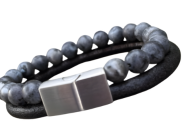
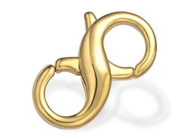
Sun Enterprises offers fibre-laser engraving for suitable stainless-steel jewellery components, including magnetic clasps, charms and logo tags.
Keep the Artwork Simple
Jewellery clasps and tags have a small engraving area, so simple artwork normally produces the best result.
Use:
-
Clear lines.
-
Bold shapes.
-
Simple icons.
-
Readable fonts.
-
Short text.
-
Enough space between letters and design elements.
Avoid:
-
Tiny text.
-
Very thin lines.
-
Detailed illustrations.
-
Gradients.
-
Shadows.
-
Colour effects.
-
Complex logos with many small elements.
If your existing logo is detailed, create a simplified version specifically for engraving. A minimal icon or monogram often looks more professional on a small clasp than a full detailed logo.
Use the Right File Format
Vector files are usually best because they can be resized without becoming blurry.
Preferred formats:
-
SVG.
-
AI.
-
EPS.
-
Vector PDF.
If you do not have a vector file, send the highest-quality version available, such as a PNG or TIFF. A clear black-and-white image is much better than a screenshot or low-resolution photo.
For engraving, supply a black-and-white version of the artwork whenever possible. This makes it clear which parts should be engraved and which areas should remain blank.
Check the Size and Placement
Before sending the artwork, decide:
-
Which component will be engraved.
-
Where the design should appear.
-
Whether the design should be visible or discreet.
-
The approximate engraving size.
-
Whether the surface is flat, curved or textured.
A small magnetic clasp may be ideal for initials or a simple icon. A larger logo tag can allow more space for a short brand name or symbol.
Sun Enterprises can review the artwork and advise on suitable engraving positions, component sizes and finishes.
Choose a Readable Font
If your artwork includes text, select a font that stays clear at a small size.
Good choices include:
-
Simple sans-serif fonts.
-
Bold serif fonts.
-
Clear uppercase lettering.
-
Minimal monograms.
Avoid thin, decorative or tightly spaced fonts. A font that looks good on a computer screen may become difficult to read once engraved on a small metal surface.
Laser Engraving, Cutting or Casting?
Laser engraving works best when you want to personalise an existing stainless-steel clasp, charm or logo tag. If you need a completely new shape or raised logo, casting and mould making may be a more suitable option.
Request a Sample
A sample helps you check how the engraving looks on the real component before placing a larger order.
Check:
-
Logo clarity.
-
Text readability.
-
Positioning.
-
Size.
-
Alignment.
-
Contrast with the metal finish.
-
Overall appearance.
This is particularly important for private-label jewellery, small logos and curved components. Sun Enterprises supports sampling and product development so customers can review their materials, logo proportions, finishes and design details before production.
Artwork Checklist
Before sending your artwork, include:
-
A vector logo file, if available.
-
A black-and-white version.
-
A reference image of the component.
-
The desired engraving position.
-
Approximate engraving size.
-
Font details, if text is included.
-
Estimated order quantity.
-
A sample request, if needed.
FAQ
What is the best file format for laser engraving?
SVG, AI, EPS and vector PDF files are usually the best options. If you do not have a vector file, send a high-resolution black-and-white PNG or TIFF.
Can I engrave my logo on a jewellery clasp?
Yes. Logos can be engraved on suitable stainless-steel components such as magnetic clasps, charms and logo tags. The result depends on the component size, surface and logo complexity.
Can I use a colour logo for laser engraving?
It is best to send a black-and-white version. Laser engraving works with lines and shapes, not printed colours, gradients or shadows.
How detailed can an engraving be?
Simple artwork is usually best. Tiny lettering, thin lines and detailed illustrations may not remain clear on a small jewellery component.
Can I order a sample with my logo?
A sample may be possible depending on the project. It is useful for confirming the logo size, placement and overall appearance before larger production.
Create Branded Jewellery with Sun Enterprises
A clean, simple design and high-quality file are the best starting points for laser engraving. Choose a suitable component, confirm the placement and request a sample if needed.
Sun Enterprises provides fibre-laser engraving for suitable stainless-steel jewellery components, including magnetic clasps, charms and logo tags.
Contact Sun Enterprises to discuss custom jewellery engraving


